Exporting a ticket as a .wh file
Download a ticket as a sealed Winghub file, and open it again in the Portal - only for the right people, never offline.
New layout (closed beta): abilities, the Discord bot and tickets have new places there. See Abilities, the Discord bot and tickets in the new layout for where each page went.
Take a ticket out of Winghub as one file you can store, copy or mail, without it becoming readable to whoever finds it.
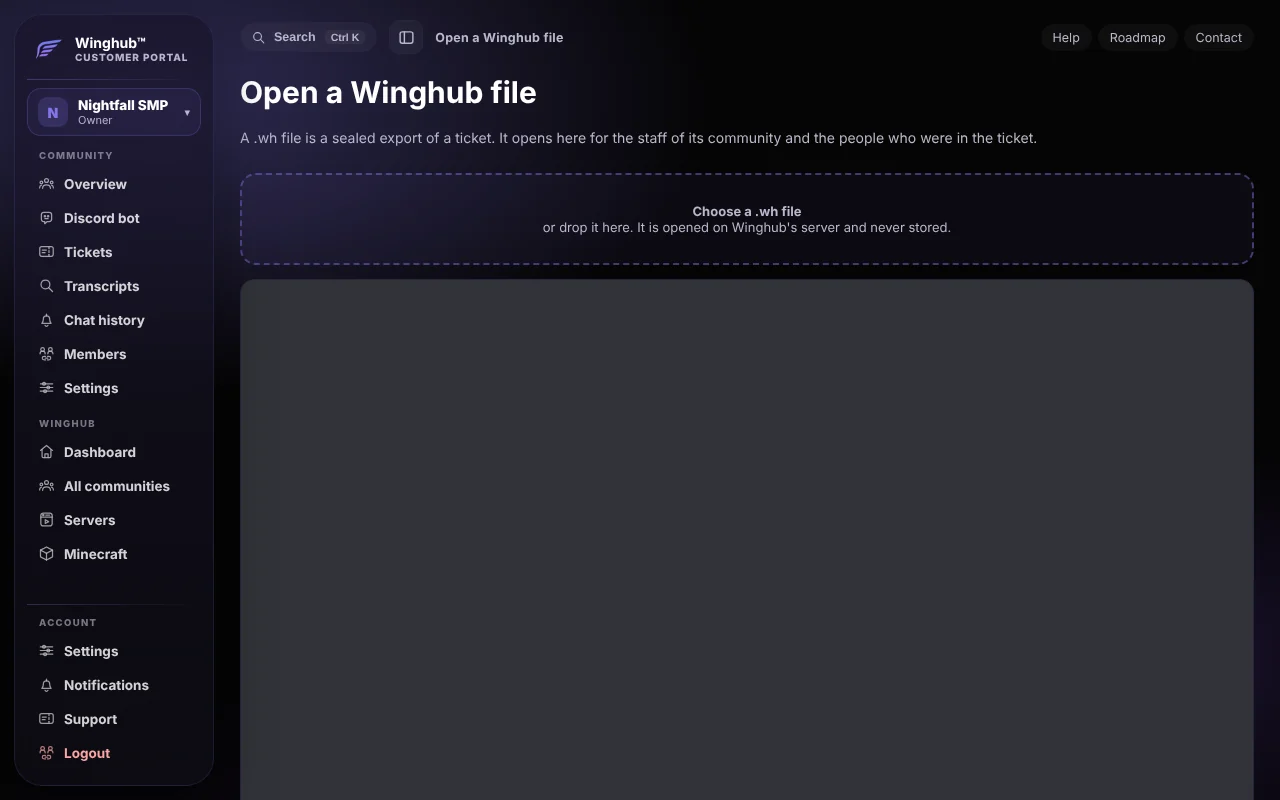
Open a .wh file in the Portal. Recorded from the Portal with sample data.
What a .wh file is
  the file   = a locked box with a label on the outside
  the label  = which ticket, which server, who was in it    (readable, signed)
  inside     = the whole transcript, compressed and encrypted
  the key    = only on Winghub's server, never in the file

  Portal --(box)--> Winghub: "who are you?" --> right person? --> opened
--> no? --> "not yours"- Inside: the ticket's facts, the conversation page, the text transcript, and the rating.
- Change one byte of the file and it refuses to open.
- Copying, mailing or storing the file does not unlock it.
- Winghub opens a file in memory and does not store it.
The technical layout is described in docs/WH-FILE-FORMAT.md in the Winghub source.
Export a ticket
- In the Portal, open Transcripts and pick a ticket.
- Press Export (.wh) at the top of the ticket page.
- Your browser downloads
ticket-0042.wh.
Every export is recorded in Winghub's audit log.
Open a .wh file
- In the Portal, open Transcripts and press Open a .wh file. (Or press Ctrl+K / Cmd+K and type "wh".)
- Choose the file, or drop it on the box.
- If it is yours to open, the summary and the full conversation appear below.
A file larger than 12 MB is not a Winghub export and is refused.
Who can open it
The check happens on Winghub's server, at the moment of opening, every time.
| Who | Opens it? |
|---|---|
| People who may read that server's transcripts: the account the server is connected to, and community members with the role Moderator or higher | yes |
| The people who were in the ticket - the opener, the staff member who claimed it, whoever closed it, and members added to it - if they are signed in to Winghub with that Discord account linked | yes |
| Anyone else | no: "This file is not for you." The refusal is logged. |
Because access is checked when the file is opened, a staff member who leaves your community can no longer open your exports, even with a copy on their own computer.
The label is checked before anything is decrypted, so a stranger's file is refused without being opened.
Cannot be opened offline, by design
The key never leaves Winghub's server. That is what keeps a copied file locked, and it means:
- a .wh file can only be opened while you are signed in to Winghub and online
- there is no way to open it with another program
The Winghub Launcher (later)
The Winghub Launcher will open .wh files too, the same way: it sends the file to Winghub, shows the conversation, and keeps the opened copy in memory only, dropped when you close it or after a while without use. It is not available yet.
When it does not work
| Message | Meaning |
|---|---|
| Exports are not set up on this server yet | The Winghub server has no export key. On winghub.net this should not happen; on your own install, see below. |
| That is not a Winghub (.wh) file. | Wrong file. |
| This file is not for you. | You are not staff of that community and not in the ticket, or your Discord account is not linked. |
| The file is damaged or was changed after it was exported. | One or more bytes were altered after export. |
| This file was sealed with a key this server no longer has. | The file was sealed with a key that has since been replaced. |
| This server cannot open exports (no key is set). | The Winghub server has no export key (self-hosted installs, see below). |
| Too many files opened. | More than 30 files in 10 minutes. Wait a few minutes. |
For self-hosted installs
The key is EXPORT_SEAL_KEY in .env (32 bytes, for example from openssl rand -hex 32). Keep it safe. Lose it and every .wh file made with it can never be opened again. Replacing it makes older files unopenable unless you keep the old key.
Not yet
- Exporting chat history as a .wh file (the format reserves room for it).
Related
Last updated: 11/27/2026, 2:41:55 PM