What a community is
A community is your workspace on Winghub - the one place that ties your Discord servers, game servers, members and public page together.
A community is your workspace on Winghub: everything you run for one group of players hangs off it.
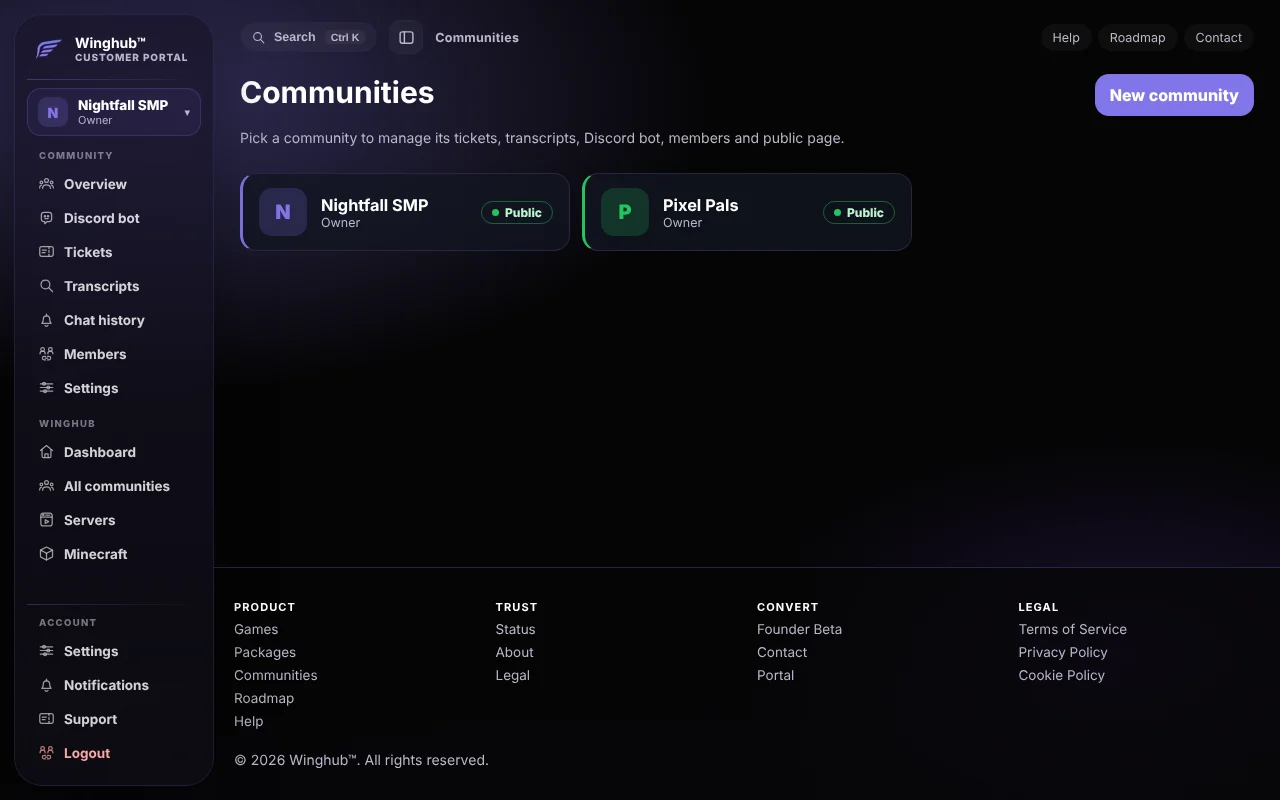
All your communities. Recorded from the Portal with sample data.
The hub
Think of the community as the centre of a wheel. Everything else is a spoke.
                 +-------------------+
   Members  ---- |                   | ---- Discord servers
   and roles     |     COMMUNITY     |      (bot, tickets, transcripts)
                 |   (your workspace)|
   Public   ---- |                   | ---- Servers & services
   profile       +-------------------+      (records on your profile)
                          |
                    Settings, activity log,
archive / delete| Part | What it is |
|---|---|
| Members | Winghub accounts that can open this community, each with a role (account holder, co-owner, manager, admin, moderator, viewer). |
| Discord servers | Servers you connect to the community. The community's staff can then reach the Integration Bot settings, tickets and transcripts of that server, each within their role. |
| Servers & services | Records of your game servers, Discord, website or anything else, shown on your public page if you want. |
| Public profile | Your page at winghub.net/communities/<your-address> and your card in the public community directory. |
| Settings | The name, an internal description for your team, and the danger zone (archive and delete). |
Account, community, license
Three things are easy to mix up:
  ACCOUNT    you, the person         (email, password, join code)
  COMMUNITY  a workspace you own     (members, servers, public page)
LICENSE what your plan allows (belongs to your ACCOUNT, not the community)- Your account is your identity. One account can own a community and be a member of other people's communities at the same time.
- A community is owned by exactly one account: the account holder.
- Your license belongs to your account. It decides how many communities you can run and whether you can have co-owners. Deleting a community never deletes your license. See Licenses and packages.
How many communities you can have
| Plan | Active communities |
|---|---|
| Starter | 1 |
| Community | 1 |
| Pro | 1 |
| Enterprise | No limit |
Archived communities do not count against this number. See Archive, restore and delete.
Where to find it
In the Portal, the sidebar starts with the community switcher: the community you are working in right now. All communities lists every community you own or belong to. See The community switcher and pins.
Next steps
Last updated: 10/18/2026, 11:08:19 PM